For interventional radiologists
Load a CT angiogram, pick the vessel you are going after, and Angiorun lays out the run before you are in the room:
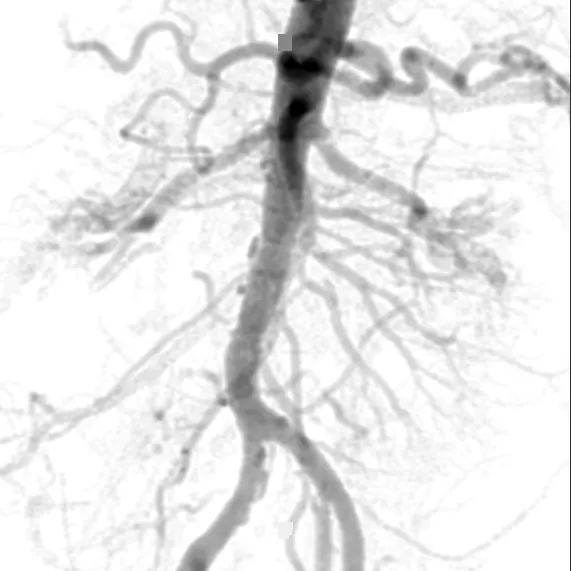
A full fluoroscopic simulation: fluoro and DSA at any C-arm angle, aortic flush or selective, computed in your browser. Abdomen today; head, lungs and legs in progress.
Invite-only while it is a personal tool. Free. Runs in your browser; your CT is never uploaded.
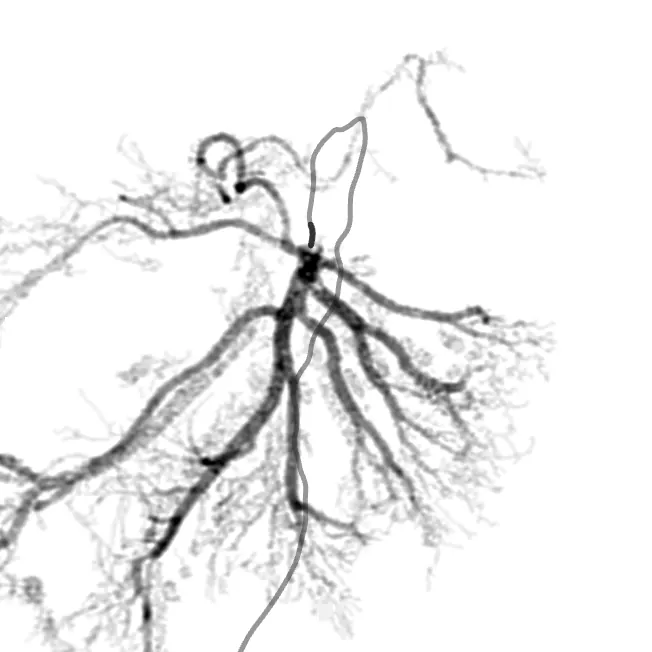
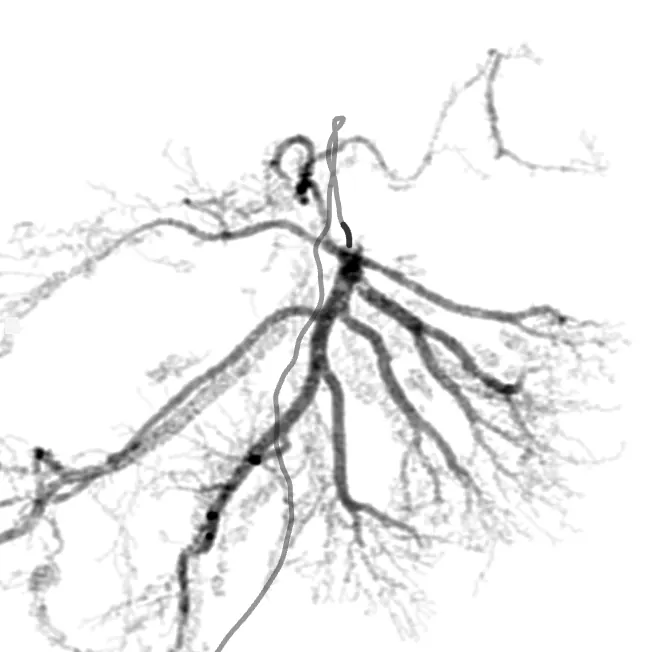
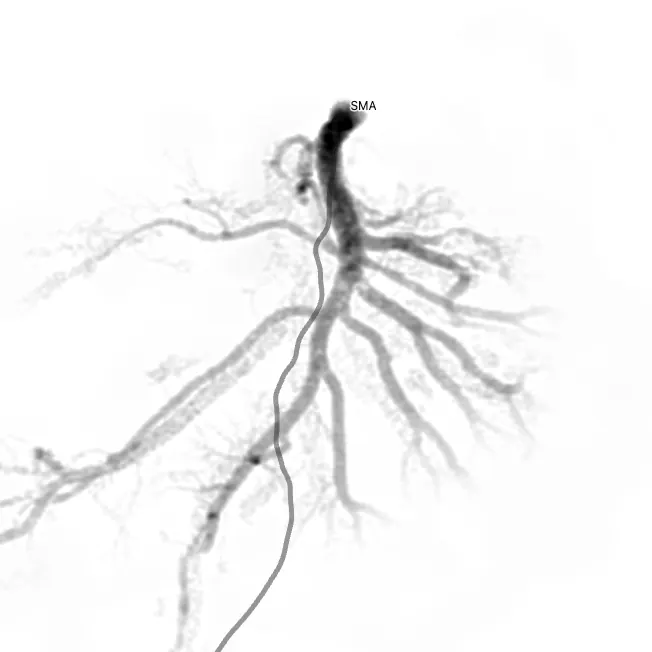
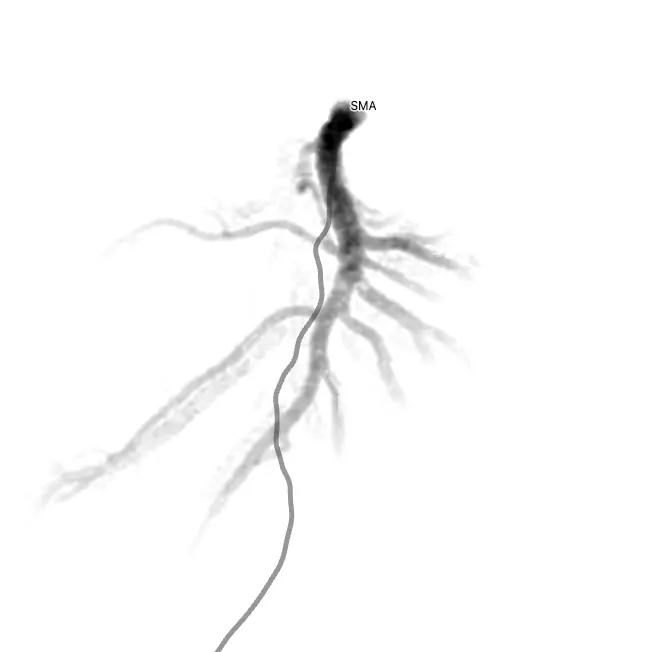
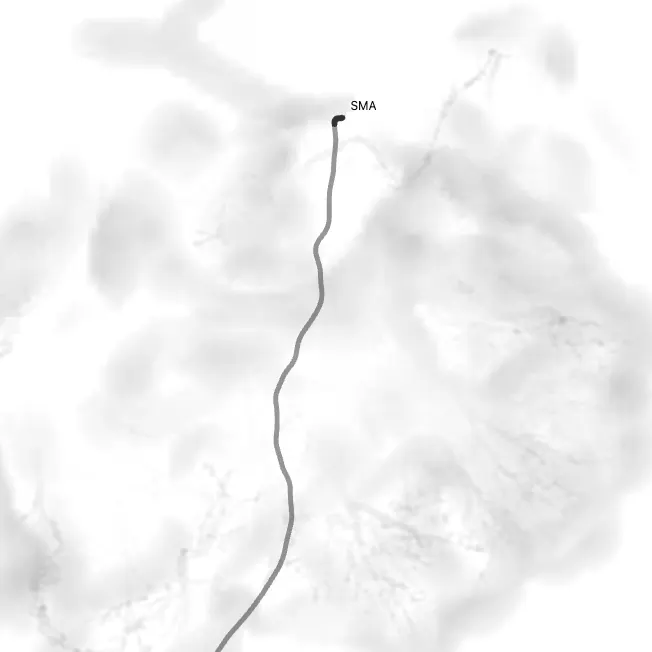
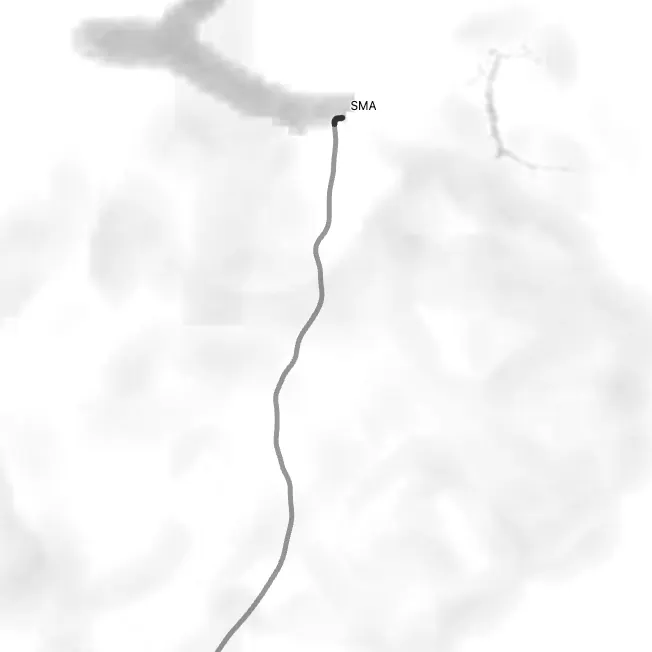
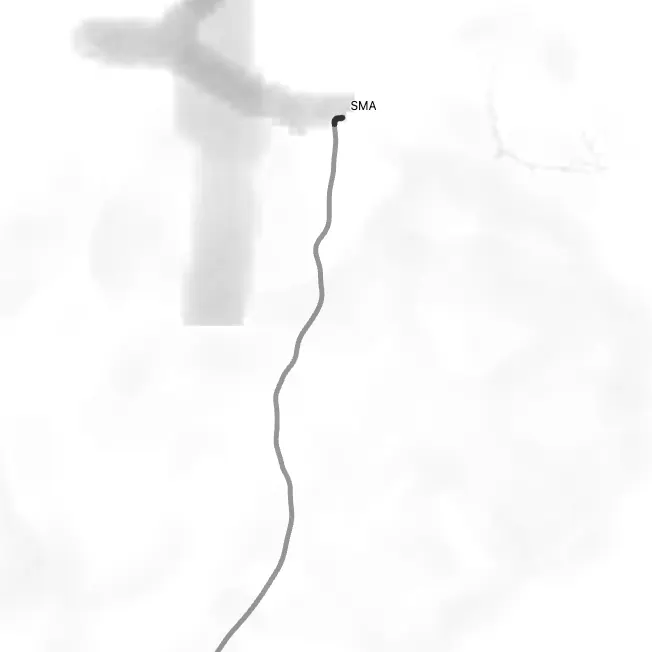
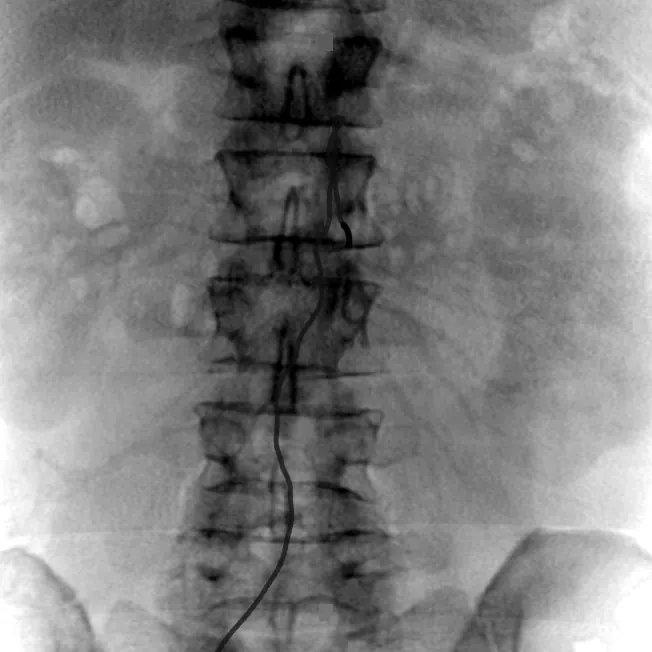
Selective SMA run · right femoral4 ml/s × 12 ml
Head
Right ICA run · M1 target
In progress. This territory switches on when its pipeline is ready; nothing here is simulated yet.
Simulated from a public CTA (AVT R9). No angiogram was acquired. Every frame is computed from the CT.
In progress. No frames for this territory yet; the abdomen is live.
What you get
The pre-procedure report puts the three answers you want before a selective run on one page. Read it on a phone between cases, or print it for the room.
The C-arm view with the least foreshortening of the target, and two runners-up, each with its image.
A suggested catheter shape and size with the reason, and an injection rate and volume. Suggestions, not orders: you choose.
The route from access to tip with proposed branch names, and the simulated run with its timeline.


How it works Available now
Everything below runs in your browser on the graphics card (WebGPU). A CT you open is read on your computer and never leaves it.
A DICOM folder or NRRD/NIfTI file from your disk, or one of the public example cases. Angiorun traces the arterial tree from the aorta outward and proposes a name for each branch.
The catheter routes there from right or left femoral access. The tip gets its proposed name, marked ? until you confirm it.
DSA or fluoroscopy, selective or aortic flush. Drag to change LAO/RAO and CRAN/CAUD; the view finder ranks the angles that open your target.


Planning ahead Planned
Where Angiorun is going: the CTA your patient already had is sent to Angiorun before the case, and the report for each target vessel is ready when you walk in.
In the ED or clinic, as it is today.
From PACS, with no one uploading by hand.
Angle, catheter and rate, and the run, for each target.
Confirm the names, pick your views, then scrub in.
Vendor-neutral by design. The plan comes from the CT, not from the angio suite, so it reads the same in every room you work in, whoever built the C-arm.
Not available yet. The automatic path needs hospital integration, validation and regulatory clearance. Until then, Angiorun is the personal tool above, used with public or your own de-identified cases.
Who it is for
Rehearse a bleed, a PAE or a mapping run on the patient's CTA: which catheter, which angle, what the run should look like.
Learn selective anatomy and C-arm angles on real public CTAs, one run at a time, without radiation.
Devices: catheters, wires, coils and plugs, and what fits through what. Guidelines: SIR/ACR summaries (antithrombotics, antibiotics, contrast, radiation, sedation).
In the app for now; sign-in required.
Privacy
Angiorun opens files from your disk and processes them in memory, in the browser. It sends no image data anywhere, and its content security policy blocks connections to any other server.
Identifiers are shown once so you can confirm the study, then dropped. Nothing is stored unless you opt in. This site has no cookies, no analytics and no third-party scripts.
Limits
Access
The app lives at angiorun.app and asks you to sign in.
Needs a desktop browser with WebGPU: current Chrome or Edge on Windows or macOS. Reports open on any phone.